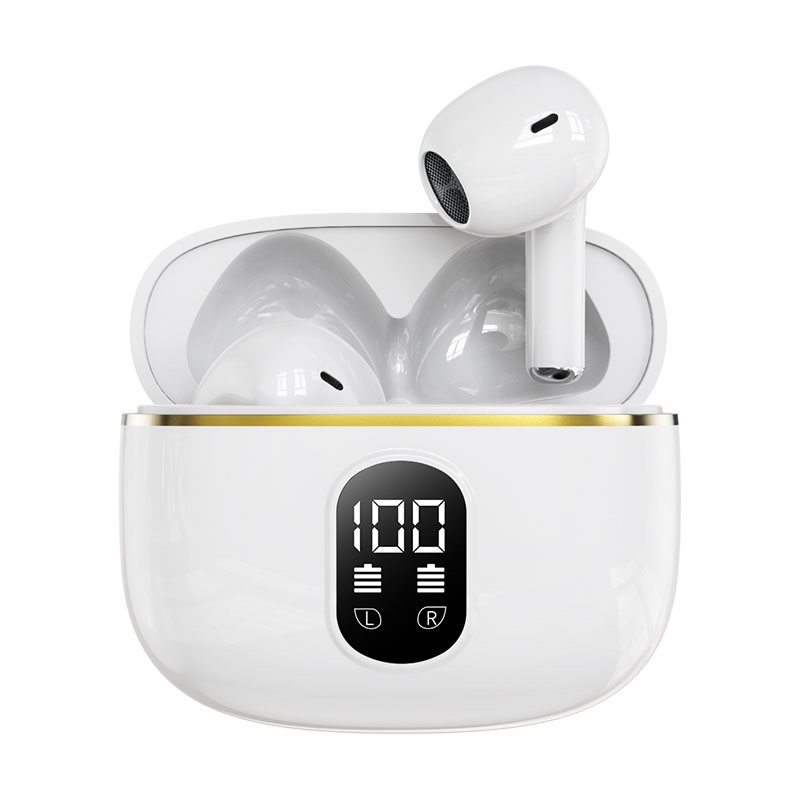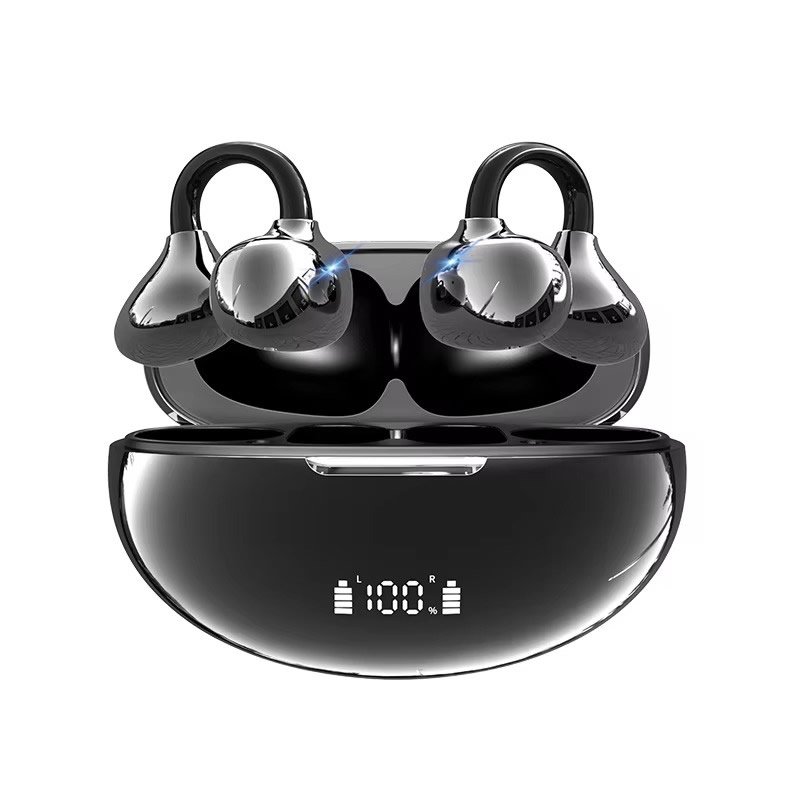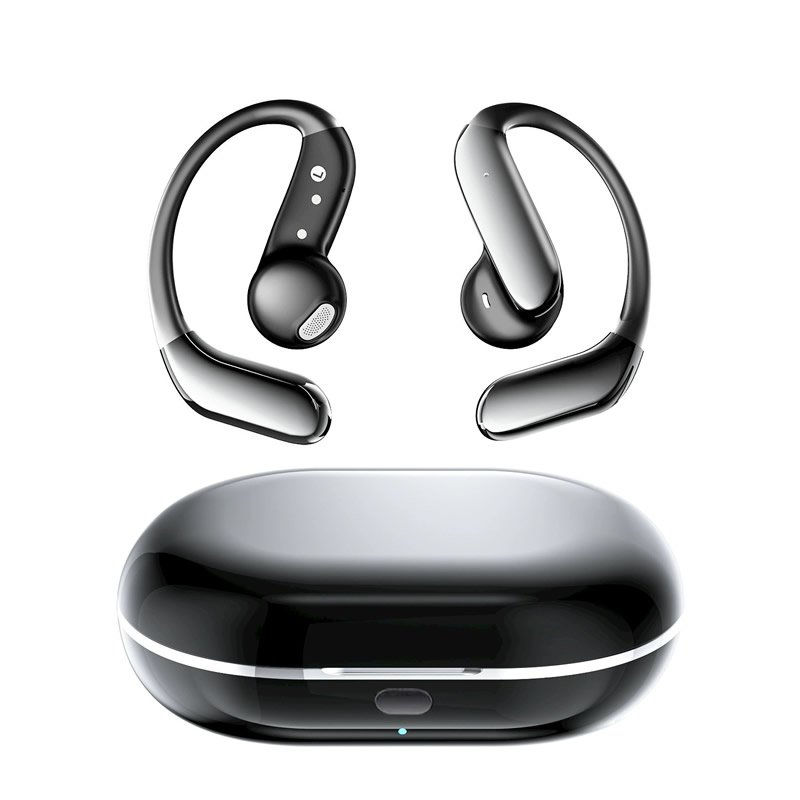
Жапырт наушник & Дүң дебуд

Sales@okoke.com |

SingleEarWirelessHeadsetwithMicforWorkWholesaleOnline

Бир кулак Bluetooth Headsets/

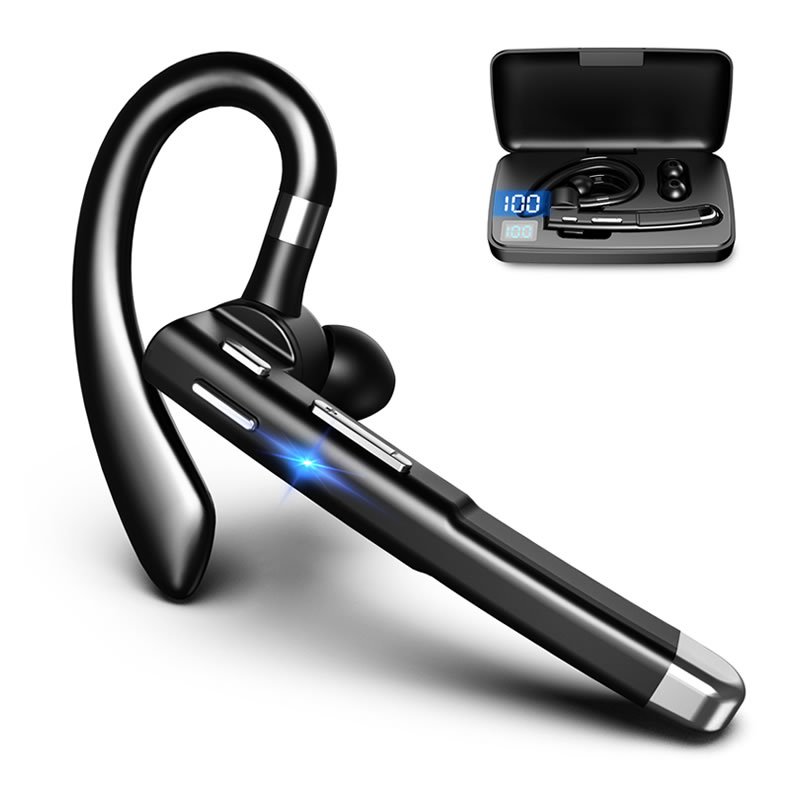
Бир кулак зымсыз гарнитурасы – Уюлдук телефондорго туташуу үчүн туура келет – YYK-530

  • Бренд: Нейтралдуу
  • Модель жок: YYK-530
  • Түрү: Кулак надуг, Бир кулак Bluetooth Headsets
  • Түс: Кара
  • Bluetooth версиясы: 5.3
  • Bluetooth диапазону: 10м
  • Кубаттоо порт түрү: Түрү-с
  • Батарея: 260MAH үчүн айыптоо, 30кулакчыны үчүн мах
  • Кубаттоо убактысы: 1.5Н кулайган, 3-4H жооптуу иш үчүн
  • Продукт өлчөмдөрү: 4.33 x 3.15 x 1.18 дюйм
  • Пункт салмагы: 7 унция
  • Туташуу технологиясы: Зымсыз
  • Bluetooth Profiles: HFP / HSP / A2DP / AVRCP
  • Зымсыз байланыш технологиялары: Bluetooth
  • Шайкеш шаймандар: Bluetooth колдогон бардык шаймандар жана уюлдук телефондор
  • МОК: NeutraL MOQ 10PCS / OEM MOQ 100PCS

  • Продукциянын чоо-жайы
  • FAQ
  • Жеткирүү
  • Колдонуучунун колдонмосу жүктөө

Make sure the headset is off, press and hold the multifunction key for about 3 seconds until the blue light comes on once,Then the red and blue lights flash alternately (at this time it enters the pairing state) and waits for the connection.

Turn on the Wireless function of the user’s mobile phone
(or other Wireless devices), and search or scan,At this time, the
mobile phone will search all the Wireless devices nearby, and click the Headset Name: YYK-530, and enter the password 0000 (most mobile phones do not need a password at present)
After successful pairing and connection, the headset indicator light goes off, indicating that the pairing connection is successful!
At this time, you can make mobile phone calls and listen to songs

ON/OFF switch
1.In the first time use, take the headset from the charging bin and peel off the protective film. Once put into the charging bin, the headset will turn off and initiate recharging automatically. When taken out from the
charging bin, the headset will turn on automatically.
2.After use, put the headset into the charging bin, and it will turn off automatically.

How to pair
1. Take the headset out of the charging bin and it will start work automatically.
2. The red and blue lights will flash alternatively (entering pairing mode) 3. Access the Settings of mobile phone/tablet — Зымсыз — Издөө
— YYK-530 — Pair/ConnectPlay music.

Pair with PC/Laptop
Turn on the computer Settings-Devices-Wireless and Other Devices
Initiate WirelessAdd Wireless or Other DevicesSearch Wireless
– YYK-530 – Pair/ConnectPlay music.
Notes: If the computer has not Wireless function, please insert a Wireless adaptor,and download a Wireless driver for normal functioning.

How to reset?
When the headset is off, press the on / off key for 8 seconds. Put the headset into the charging compartment, and the headset will automatically turn off and start charging. After taking out the headset, the headset will turn on automatically, and the reset is completed.

How to recharge the headset
1. put the headset in the charging bin, the headset will be automatically turned off and then charged.
The display lights up to show the current power of the charging chamber, indicating that the charging chamber is charging the headset.
2. When the headset is fully charged, the red light of the headset indicator will be off.


Зымсыз гарнитура

С: Сапатка баа берүү үчүн акысыз үлгү алам?

A: Ооба, Сиз акысыз үлгү түзө аласыз. Жөн гана бизге өзүңүздүн жүктөрдү чогултуу Эсепти DHL сыяктуу айтып бериңиз, FedEx, TNT, жана башкалар. Эгер сизде каттоо эсеби жок болсо, Экспресс баасын төлөшүбүз керек.


С: Үлгүлөрдү даярдоону канча убакытка чейин?

A: Адатта, Биз коротушубуз керек 1-3 Ыңгайлаштырылган сурамдарсыз үлгүлөрдү даярдап жатабыз.


С: Өзүңүздүн логотип / бренд менен болгон буюмдарды алсаңыз болот?

A: OEM жана ODM кош келиңиз.

1) Логотип / Үлгү + $ 0.30 / (Мин. буйрук: 100 бөлүк)

2) Ыңгайлаштырылган таңгактоо + $ 0.70 / Piece (Мин. буйрук: 1000 бөлүк)


С: Стандарттык топтом жөнүндө?

A: Нейтралдуу белек кутучасын сунуштайбыз. OEM Белек кутусу кардарлардын талабына ылайык кабыл алынат.

Жеткирүү

  1. Бирок сиз тарапка жеткирүүңүз керек, Көбүнчө биз DHL UPS аркылуу жеткиребиз, FedEx TNT. Же биз сиздин каттоо эсебиңиз менен жеткире алабыз.
  2. Чоң чон үчүн, Биз деңиз менен жеткире алабыз

Портуна жеткирүү:

  • Okoqe медициналык лтд, портко товарларды ташып жеткирүү үчүн жооп берет. Кийинки үрп-адаттар жана транспорттук төлөмдөр сатып алуучунун милдети болуп саналат.
  • Okoqe медициналык лтд сизге ишенимдүү жергиликтүү жүктөрдү өткөрүп берет.
  • Okoqe медициналык лтд сатып алуучунун уруксаты астында жана сатып алуучунун эсебинен жүрүшүн жеңилдетет.

Эскертүү: Жогоруда айтылган маалыматтык маалымат гана шилтеме үчүн гана,Сизди көзөмөлдөө мөөнөтүн көзөмөлдөө графиги үчүн жайгаштырабыз.

Эл аралык жеткирүү

Эл аралык жеткирүү

YKK-530 Bluetooth Wireless Headset User Manual in 6 Тилдер

PDF YKK-530 Bluetooth Wireless Headset User Manual Datasheet

Бардык наушник колдонуучунун колдонмосу

PDF Бардык наушник колдонуучунун колдонмосу

Мурунку:

Кийинки:

Жооп калтырыңыз

Билдирүү калтырыңыз